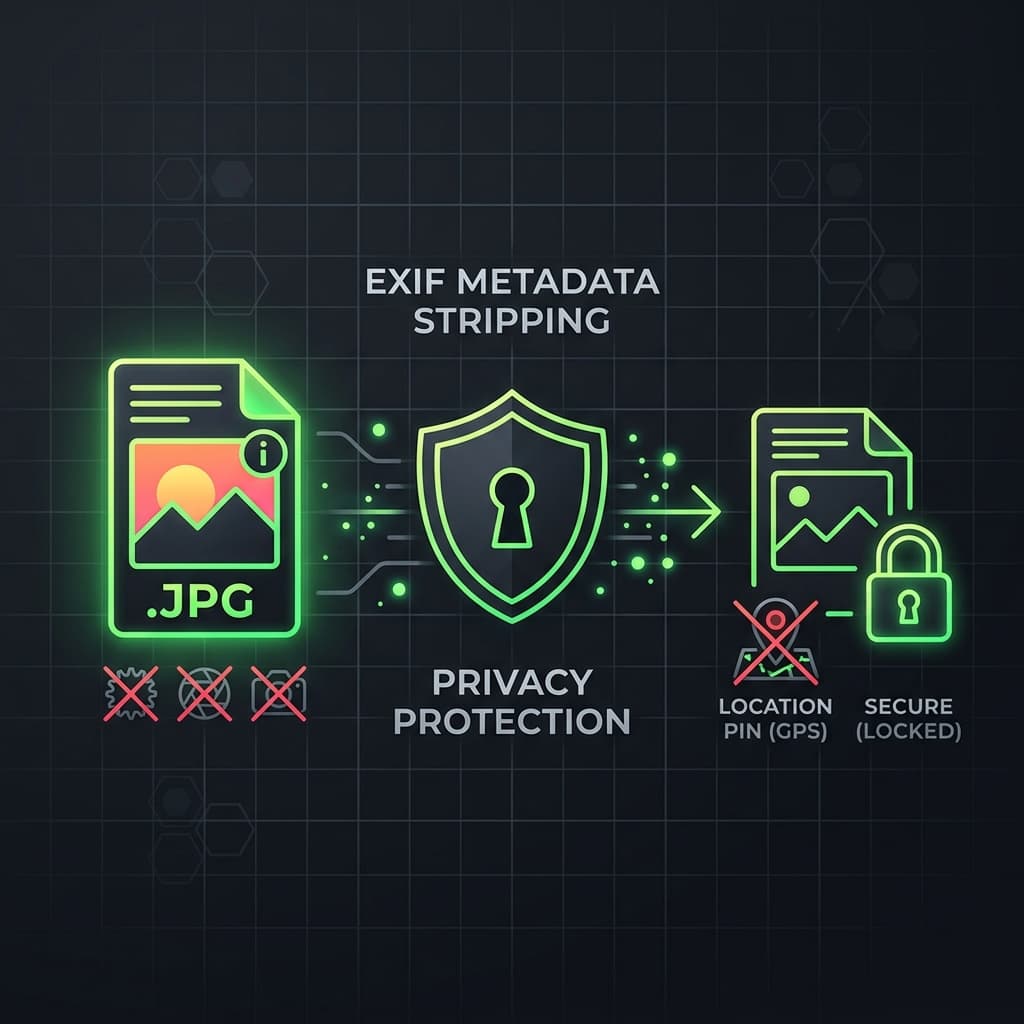
The Hidden Fingerprints in Your Photos
Whenever you capture a photo on your smartphone or digital camera, the device automatically appends an EXIF (Exchangeable Image File Format) header block directly into the binary container. This metadata block contains sensitive telemetry details including exact GPS coordinates, camera serial numbers, lens models, capture timestamps, and software versions, exposing your privacy when uploaded online.
Canvas Redrawing as a Security Shield
A simple and reliable way to strip this data is to redraw the image inside the client-side browser Sandbox. When you import a photo to BatchPix, the browser decodes the image data onto an HTML5 Canvas context. When exporting the canvas to a WebP or JPEG blob, only the raw pixel values are written back to the container, leaving all metadata tags, EXIF segments, and geolocation coordinates completely unlinked.
Performance and Compliance Advantages
Performing EXIF stripping directly in your browser RAM guarantees 100% security under GDPR Article 25. Because your files never reach external servers, there is zero risk of metadata collection by cloud providers, enabling compliance for enterprise document management.